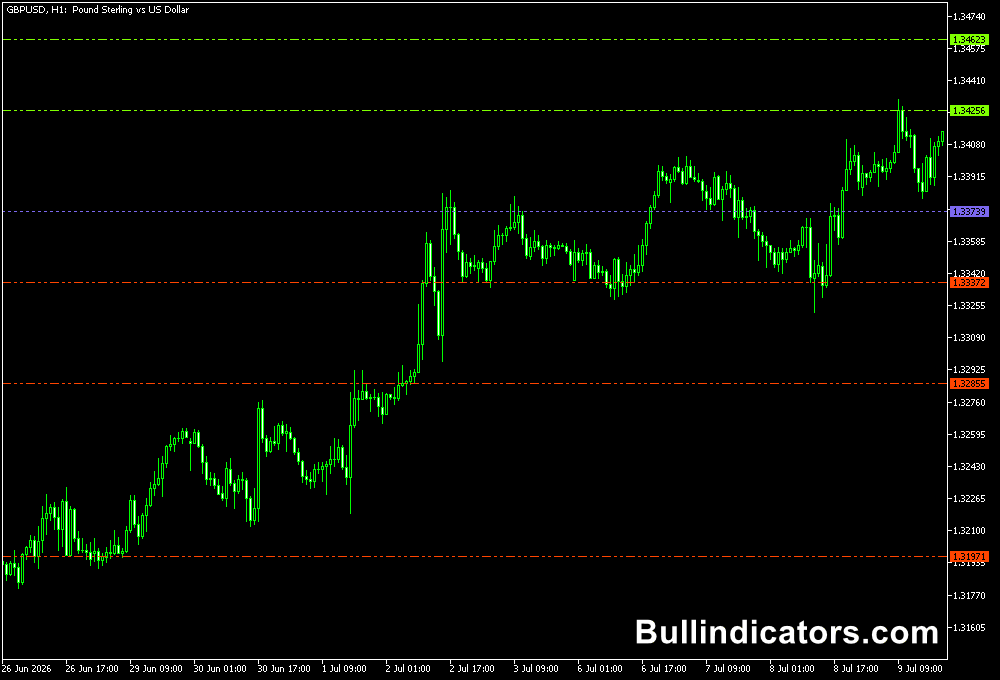
The DeMark Trend Lines indicator for MT5 plots diagonal and horizontal support and resistance levels directly on the price chart.
It uses recent highs and lows to identify important market levels, while colored lines and dots help show where price is approaching potential support, resistance, or trend changes.
The indicator can be useful for trend-following setups, breakout analysis, and scalping when higher-timeframe levels are used to provide market direction.
Why traders use the DeMark Trend Lines Indicator
The main benefit of the DeMark Trend Lines Indicator is that it gives a visual representation of support and resistance without requiring manual trendline drawing.
Diagonal lines help define the current trend structure, while horizontal levels mark important price areas derived from recent market highs and lows.
The indicator can also help identify potential breakout situations.
When price approaches or moves through a plotted level, traders can study the reaction together with price action or another confirmation tool such as RSI or MACD.
Scalpers can also benefit from the indicator by using higher-timeframe trendlines as a directional reference before looking for entries on M1, M5, or M15 charts.
This can help keep short-term setups aligned with the broader market structure.
Download This MT5 Indicator for Free
Indicator Chart Setup
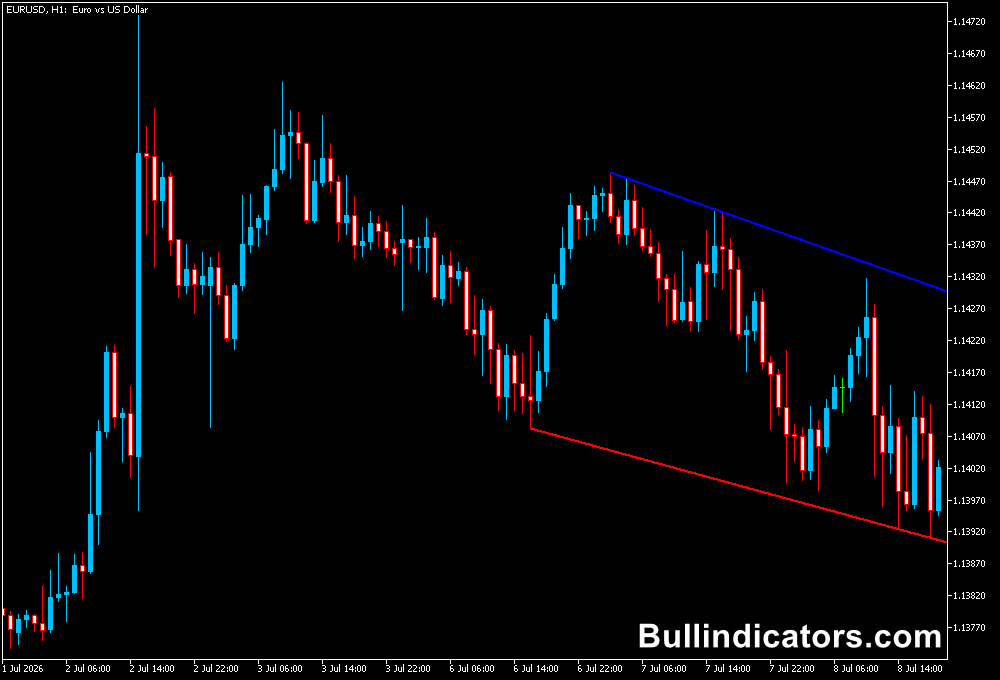
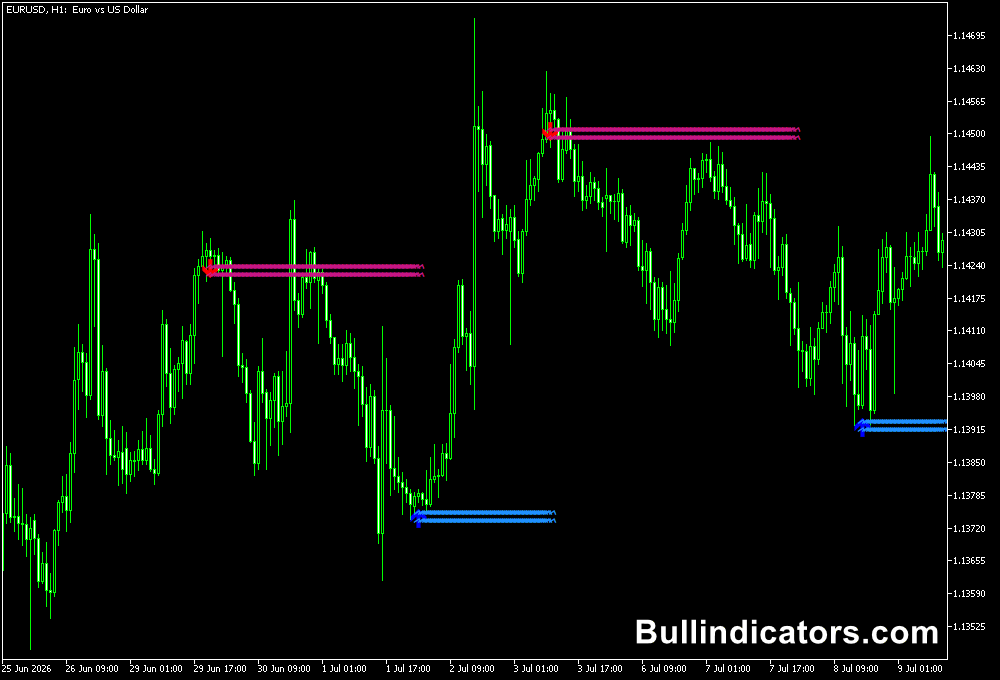
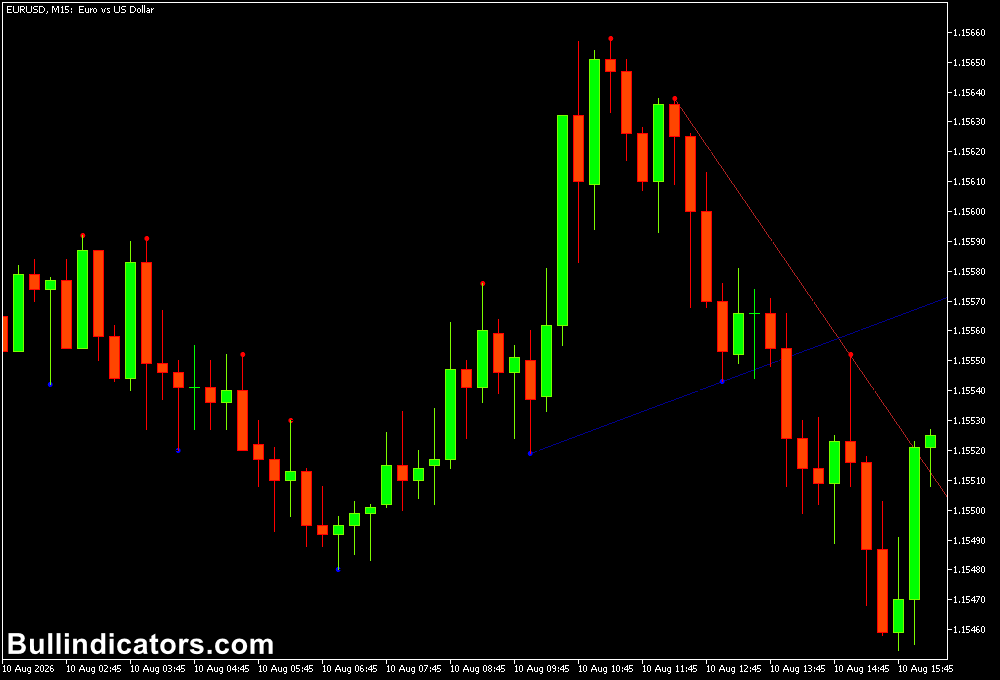
When applied to an MT5 chart, the indicator displays diagonal and horizontal support and resistance levels around price.
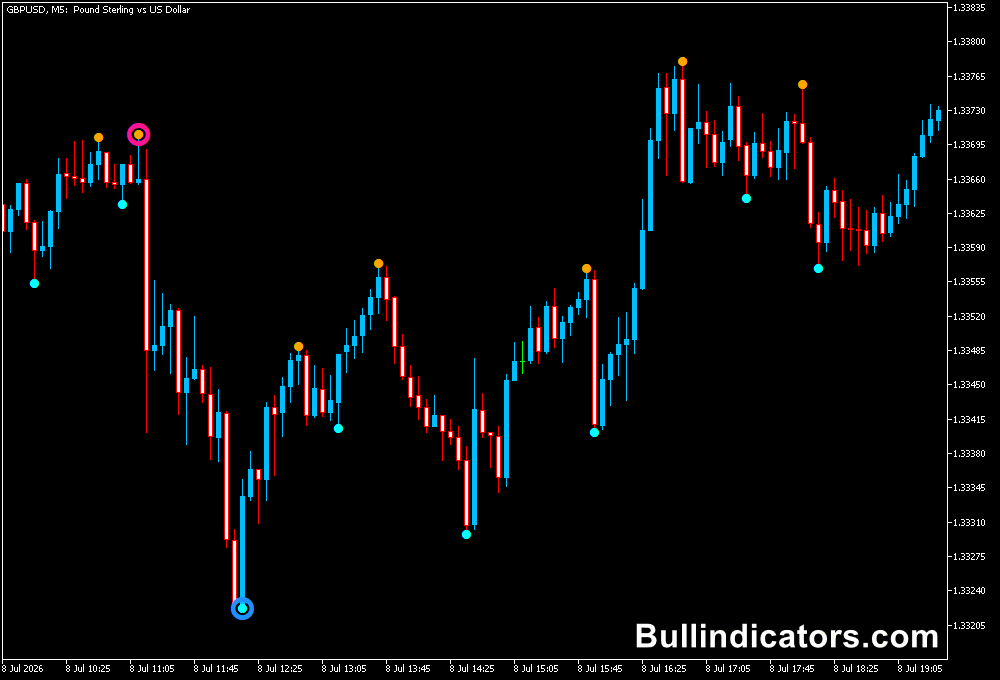
The diagonal trendlines use different colors to distinguish the identified market levels, while colored dots can appear around candle borders where relevant highs and lows have been detected.
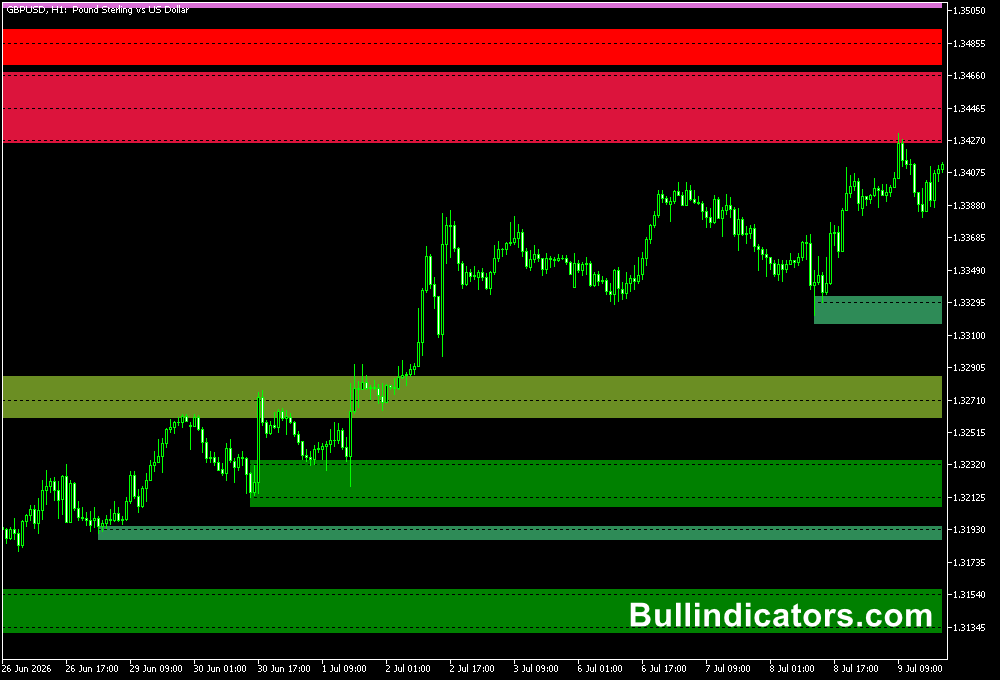
The horizontal levels are also color-coded, making it easier to distinguish upper and lower price areas.
Depending on recent market structure, one of the horizontal levels may not be displayed, so the diagonal trendlines become more important for reading the current setup.
Core Features
- Plots diagonal support and resistance trendlines.
- Displays horizontal support and resistance levels.
- Uses recent highs and lows to build market levels.
- Provides colored visual markers around relevant candle areas.
- Useful for trend direction and breakout analysis.
- Adjustable trendline and historical display settings.
Best for
- Identifying the prevailing trend direction.
- Finding potential support and resistance reactions.
- Monitoring price breakouts through important levels.
- Using higher-timeframe structure to filter short-term entries.
- Combining trendline signals with RSI, MACD, or price action confirmation.
Best Markets
- EURUSD and GBPUSD for major-currency trend analysis.
- GBPJPY and EURJPY for markets with larger intraday price swings.
- Gold (XAUUSD) when clear directional moves create well-defined levels.
- Major forex pairs during the London and New York sessions.
Trading Styles
- Scalping on M1 and M5 using H1 or H4 levels as directional context.
- Intraday trading on M15 and H1 for trend and breakout setups.
- Swing trading on H4 and D1 where support and resistance levels have more room to develop.
- Breakout trading when price moves through a significant diagonal or horizontal level.
How traders use it
A common approach is to first determine whether price is respecting the diagonal support or resistance structure.
A red resistance line can be monitored for potential short setups, while a blue support line can be used when assessing possible long opportunities.
Price confirmation remains important because a level being reached does not automatically mean that a reversal will occur.
How to scalp with this indicator?
For scalping, the indicator can be used as a market-structure filter.
For example, a scalper can examine the H1 chart to determine the dominant direction and then move to M5 or M1 to search for an entry near a relevant level.
A breakout through a trendline can also be monitored for continuation, particularly when supported by strong price movement and confirmation from another technical tool.
Using the indicator this way can give scalpers a clearer reference for where price is trading relative to recent support and resistance, while keeping entry decisions focused on the smaller timeframe.
Get Instant Free Access
Indicator Settings
- Fractal Periods or DeMar Point Levels: Controls the fractal period or level used to identify the market points for the trendlines.
- Number of Trendlines: Sets the number of uptrend and downtrend lines displayed.
- Number of Steps Back: Controls how far back the indicator looks when displaying the trendlines.
- Bars Back to Draw: Determines how much historical chart data is used for drawing the indicator.
- Colors: Allows the visual colors of the plotted levels and trendlines to be configured.
Important Notes
- The indicator is generally more suitable for longer timeframes because smaller charts can produce more short-term market noise and false signals.
- A plotted support or resistance level should be treated as an area for analysis rather than a guaranteed reversal point.
- Scalpers should consider using higher-timeframe levels before taking M1 or M5 signals.
- Combining the trendlines with price action, RSI, MACD, or another confirmation method can help filter weaker setups.
- Always test the indicator on your preferred currency pair and timeframe before using it in live trading.