The Mod ATR Trailing Stop indicator for MT5 is a volatility-based trading tool that helps traders manage stop losses, follow trends, and identify potential entry and exit points.
It uses the Average True Range (ATR) calculation to adapt stop levels according to current market volatility, creating a more flexible approach compared with fixed-distance stop losses.
When volatility increases, the indicator adjusts the trailing stop to give trades more room to develop.
During quieter market conditions, the stop level moves closer to price, helping protect profits.
This makes the indicator useful for trend-following strategies across forex, commodities, indices, stocks, and cryptocurrencies.
Why Traders Use the Mod ATR Trailing Stop Indicator
Choosing the correct stop-loss position is one of the most important parts of trading.
A stop that is too close may close a trade during normal market fluctuations, while a stop that is too wide can expose an account to unnecessary risk.
The Mod ATR Trailing Stop Indicator solves this problem by adjusting levels according to market volatility.
The indicator is popular because it provides both risk management and trend information.
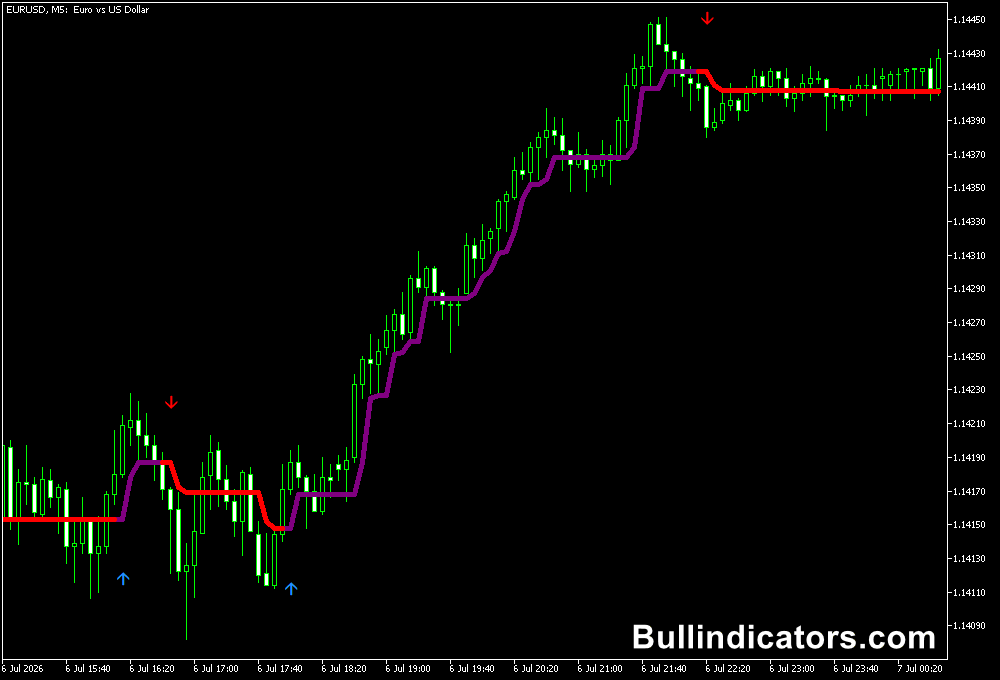
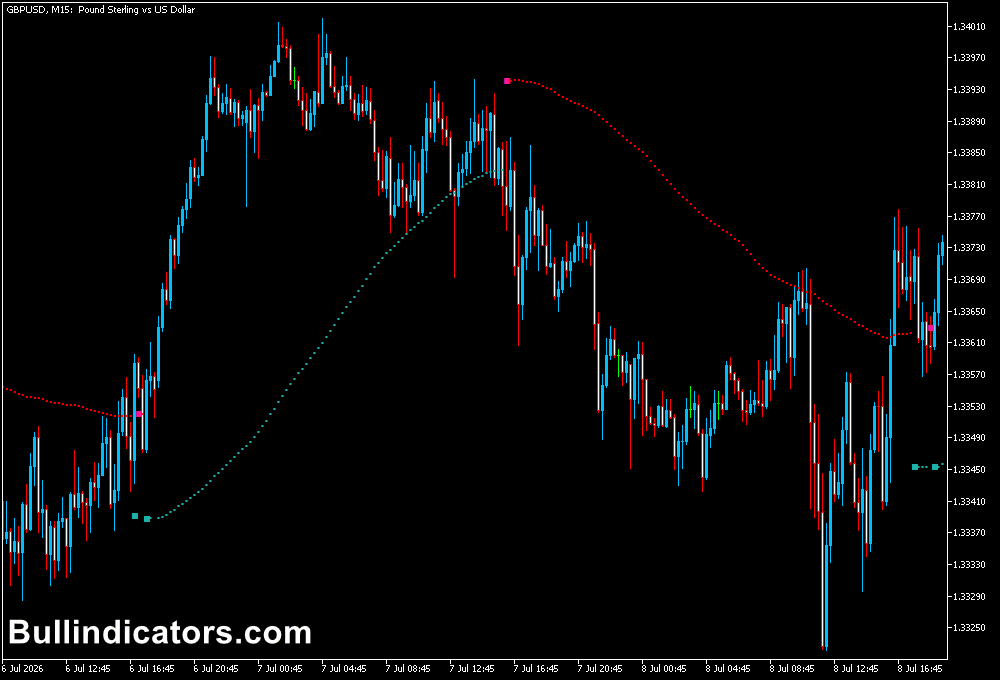
Green trailing stop levels below price indicate bullish conditions, while red levels above price suggest bearish momentum.
This makes it useful for protecting open positions while allowing profitable trends to continue.
Another effective approach is combining the indicator with a higher timeframe trend filter.
For example, traders can analyze the H4 trend direction first and then use the Mod ATR Trailing Stop on the M15 or H1 chart for precise entries.
This helps avoid taking trades against the larger market movement.
Download This MT5 Indicator for Free
Indicator Chart Setup
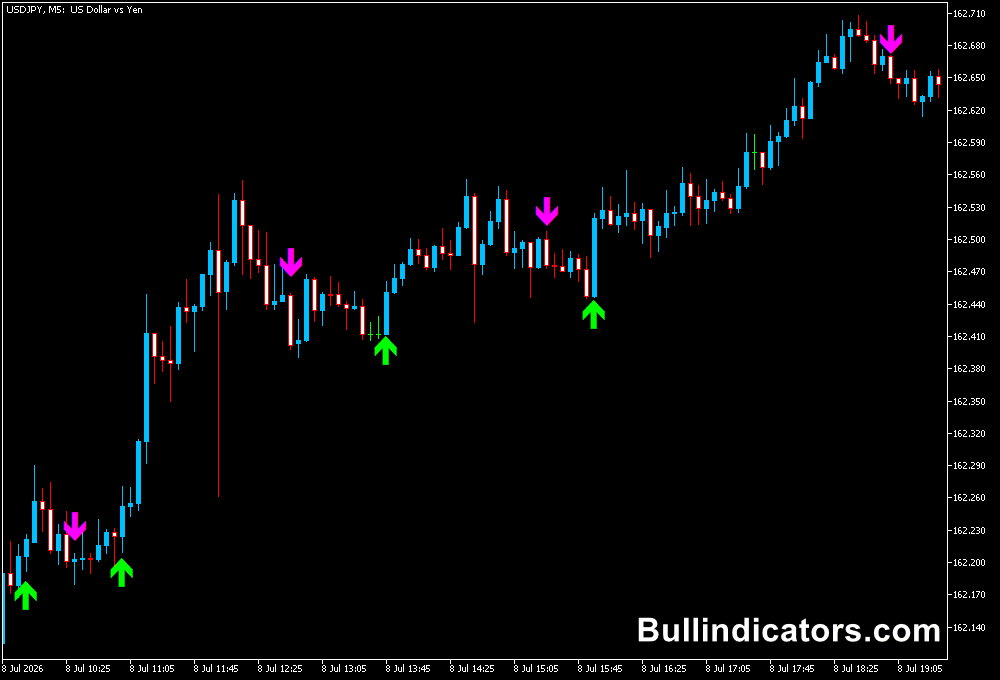
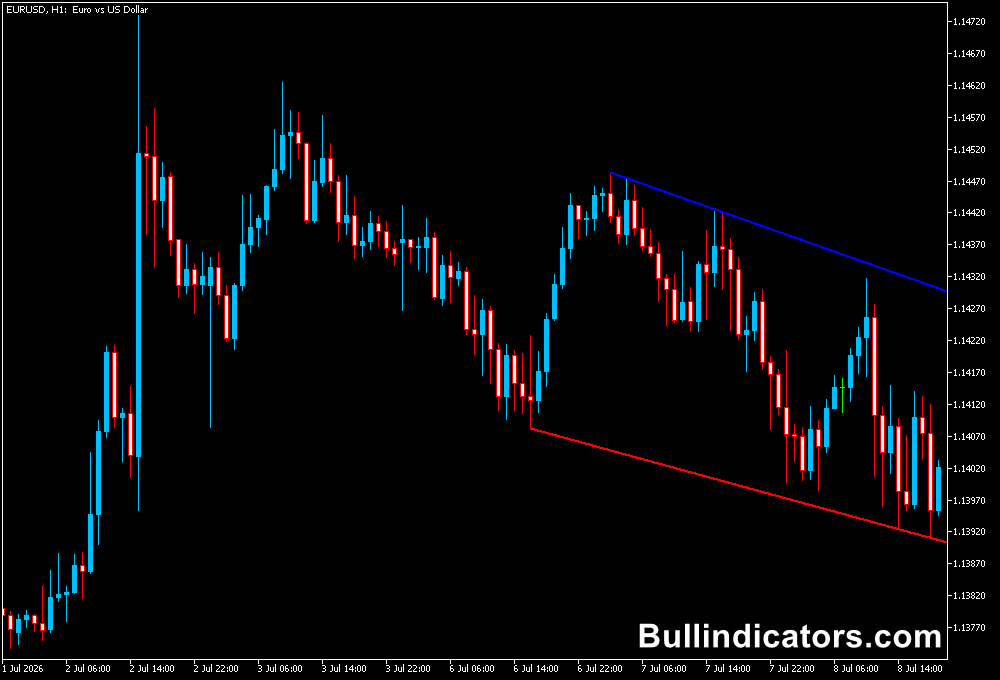
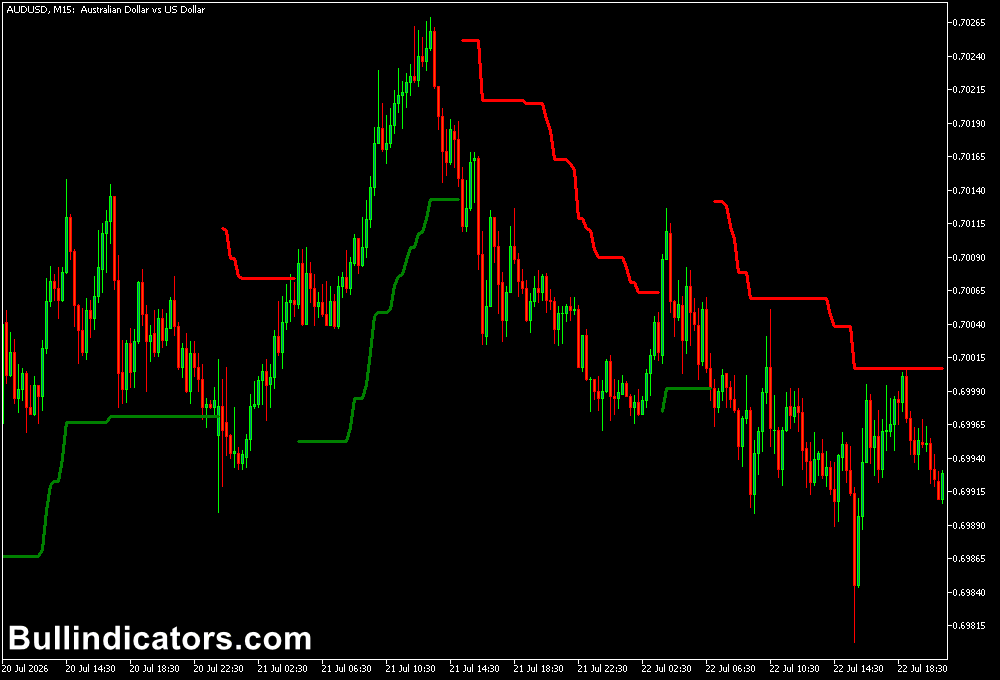
After applying the indicator to a MetaTrader 5 chart, ATR-based trailing stop levels appear directly on the price chart.
Green lines are displayed below price during bullish conditions, while red lines appear above price during bearish conditions.
The trailing stop follows the market as price moves, helping traders identify when momentum remains strong and when a possible trend change is developing.
The indicator automatically adjusts based on the selected ATR settings.
Core Features
- Uses Average True Range for dynamic stop calculation.
- Adjusts automatically according to market volatility.
- Displays bullish and bearish trailing stop levels.
- Helps manage open positions.
- Can identify possible trend changes.
- Works on all MetaTrader 5 timeframes.
Best for
- Trend-following strategies.
- Trailing stop management.
- Risk control.
- Volatility-based trading.
- Entry and exit confirmation.
- Position management.
Best Markets
- EUR/USD, GBP/USD, USD/JPY, and GBP/JPY.
- Gold (XAU/USD) and Silver trading.
- NASDAQ 100 and US30 indices.
- Crude Oil.
- Bitcoin and other cryptocurrencies.
- Major stock CFDs.
Trading Styles
- Scalping on M5 and M15 with tight ATR settings.
- Intraday trading on M30 and H1.
- Swing trading on H4 charts.
- Trend following on Daily charts.
- Breakout strategies with volatility confirmation.
- Multi-timeframe trading using higher timeframe direction.
How Traders Use It
A common method is to follow the color changes and use the ATR levels as dynamic stop-loss zones.
When the indicator turns green, traders may look for buying opportunities and place the stop below the ATR line.
As price moves higher, the stop automatically follows the trend and helps protect accumulated profits.
For bearish setups, traders monitor when the indicator turns red and consider short positions with the stop level above the trailing line.
PRO traders continue holding positions until the indicator changes color, allowing them to capture larger portions of strong trends.
For improved accuracy, the indicator can be combined with higher timeframe analysis.
For example, if the daily chart shows an uptrend, traders can wait for a green Mod ATR Trailing Stop signal on the H1 chart before entering a long position.
Get Instant Free Access
Indicator Settings
- Period: Defines the number of periods used for the Average True Range calculation.
- Coefficient: Controls the distance of the trailing stop from the current price. Higher values create wider stops, while lower values create tighter stops.
- Style: Adjusts the visual appearance of the indicator lines.
Important Notes
- ATR trailing stops adapt to volatility and are not fixed price levels.
- Higher coefficient values provide more room for larger market movements.
- Lower settings may create earlier exits but can increase false signals.
- Combining the indicator with higher timeframe trends can improve trade selection.
- Test different settings for each currency pair because volatility varies between markets.
- Always use proper risk management when trading with trailing stop strategies.