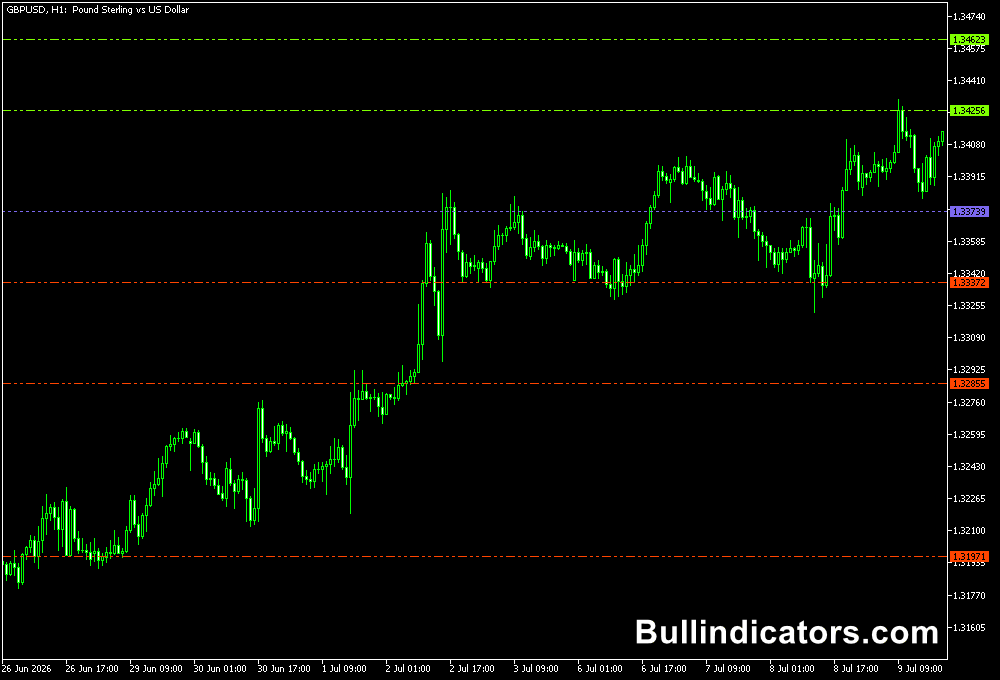
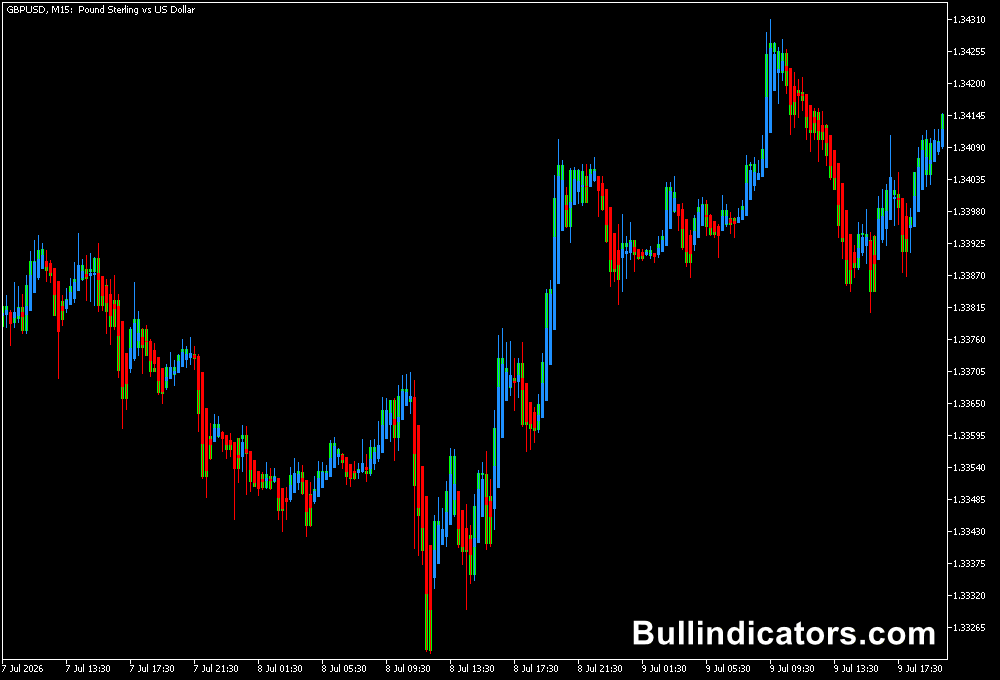
The Money Management indicator for MT5 is a practical risk management tool designed to calculate position size and stop loss according to a predefined level of account risk.
Rather than focusing on entry signals, it helps determine how much capital should be exposed to a trade before an order is placed.
Position sizing is one of the most important parts of a consistent trading approach.
A technically good setup can still cause significant damage when the lot size is too large.
This indicator calculates the appropriate trade size from your available capital, selected risk percentage and stop-loss distance, allowing risk calculations to be completed directly on the MetaTrader 5 chart.
Why traders use the Money Management Indicator
Risk should be controlled before entering a position.
A common professional guideline is to risk no more than 1–2% of trading capital on a single trade.
Keeping losses within this range helps prevent one unsuccessful position from having a disproportionate effect on the account and makes it easier to recover from normal losing streaks.
For example, risking 1% of a $5,000 account means the maximum planned loss is $50.
If the calculated stop loss requires a particular distance from the entry, the indicator can determine the corresponding lot size.
A wider stop generally requires a smaller position, while a tighter stop can support a larger position while maintaining the same monetary risk.
This is particularly useful for fast execution and short-term trading, where manually calculating position size for every setup can slow down the decision process.
The calculations are presented directly on the chart, making the relevant risk information available before the order is submitted.
Download This MT5 Indicator for Free
Indicator Chart Setup
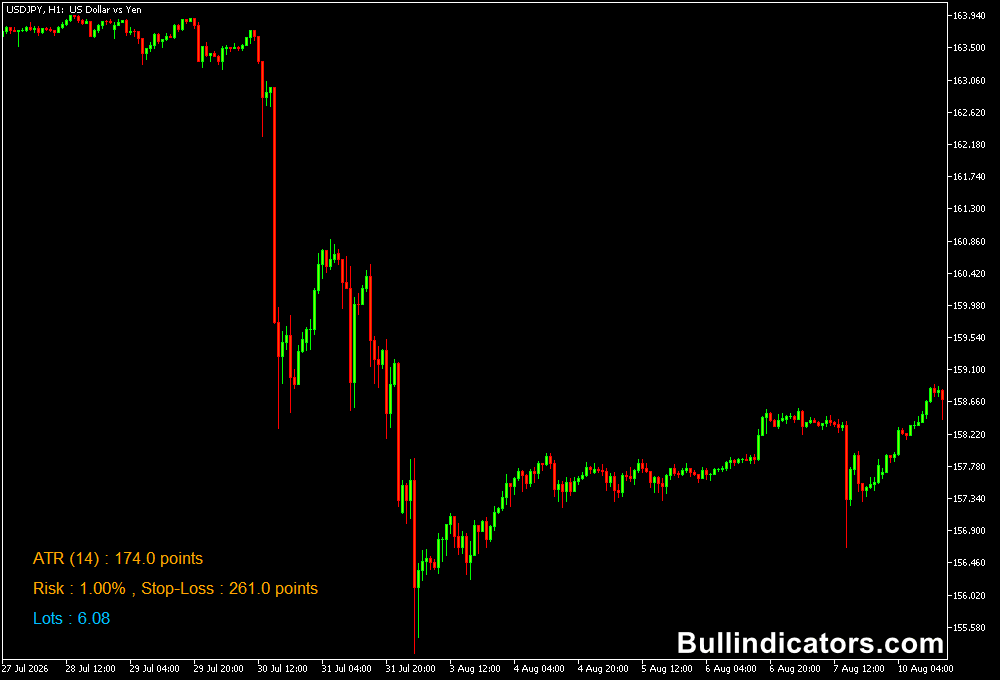
The Money Management indicator displays its calculations directly on the MetaTrader 5 chart.
Depending on the selected settings and market conditions, the information includes the calculated risk amount, position size and stop-loss level.
The indicator can use either ATR-based or fixed-point stop-loss calculations.
With ATR selected, the stop distance adapts to current market volatility.
Fixed points provide a predefined stop distance when a consistent number of points is required.
Core Features
- Calculates position size according to account risk.
- Supports Balance, Equity and Free Margin as the capital calculation basis.
- Allows risk to be defined as a percentage of available capital.
- Calculates stop loss using ATR or a fixed point distance.
- Displays important risk information directly on the MT5 chart.
- Can be used across currency pairs and other supported trading instruments.
Best for
- Maintaining consistent monetary risk across different trades.
- Calculating lot size before entering a position.
- Scalping and intraday trading where fast position calculations are useful.
- Adapting stop distance to changing market volatility with ATR.
- Building a disciplined risk management process around a trading strategy.
Best Markets
- Major Forex pairs such as EURUSD, GBPUSD, USDJPY and USDCHF are well suited to percentage-based position sizing.
- Crosses such as EURJPY and GBPJPY can benefit from ATR-based stops because their typical price ranges can be larger.
- Gold and major indices can also be assessed with volatility-based risk calculations, provided the broker’s contract specifications are understood.
- The tool is particularly useful on instruments where stop distances and contract values vary considerably.
Trading Styles
- Scalping: M1 and M5 setups can use the tool to calculate position size quickly when market conditions change rapidly.
- Intraday: M15 and H1 charts provide enough room for ATR-based stops while maintaining controlled account exposure.
- Swing trading: H4 and D1 setups can use wider ATR stops with the position size reduced accordingly.
- Systematic trading: The indicator can help maintain the same percentage risk across different setups and instruments.
How traders use it
The basic process is straightforward. Select the capital calculation method, define the percentage of capital you are prepared to risk, choose the stop-loss calculation method and review the resulting position size on the chart.
A sensible starting point is a 1% risk limit per trade.
A $10,000 account would therefore have a planned maximum loss of $100 if the stop loss is reached.
A 2% limit would represent $200.
The key principle is consistency: a losing trade should remain a manageable event rather than becoming a major account setback.
For active strategies, ATR-based stop calculations can be useful because the stop distance responds to market volatility.
A volatile market may require more points of breathing room, and the position size is reduced so the monetary risk remains within the chosen percentage.
Fixed-point stops are more appropriate when the trading strategy already defines a specific stop distance.
The calculated position size should always be checked against the broker’s minimum and maximum lot requirements and the instrument’s contract specifications.
The indicator helps with the calculation, but the final order remains the responsibility of the person placing the trade.
Get Instant Free Access
Indicator Settings
- Risk Mode: Defines how the indicator determines the capital used for the risk calculation.
- Capital calculation mechanism: Selects Balance, Free Margin or Equity as the basis for calculating risk.
- Risk fraction of the capital: Defines the percentage of capital to risk. For example, 0.01 represents 1%.
- Stop-Loss point calculation mechanism: Selects ATR Points or Fixed Points for calculating the stop-loss distance.
- ATR Length for ATR-based Stop-Loss: Defines the ATR period used to calculate the volatility-based stop.
- ATR Value Multiplier: Controls the multiplier applied to the ATR value when determining the stop distance.
- Fixed size Stop-Loss point count: Sets the number of points used when the fixed stop-loss method is selected.
Important Notes
- Risking 1–2% or less per trade can help limit the impact of individual losing positions.
- A 1% risk level means that the planned loss at the stop should equal approximately 1% of the selected capital calculation base.
- Risk percentage should be calculated before the position is opened, not increased after a losing trade.
- ATR stops adapt to volatility but do not guarantee that the selected risk amount will be the exact final loss during gaps or significant slippage.
- Always verify the calculated lot size against the broker’s contract size, minimum lot and maximum position limits.
- Position sizing does not turn a losing strategy into a profitable one; it controls the amount of capital exposed to each setup.