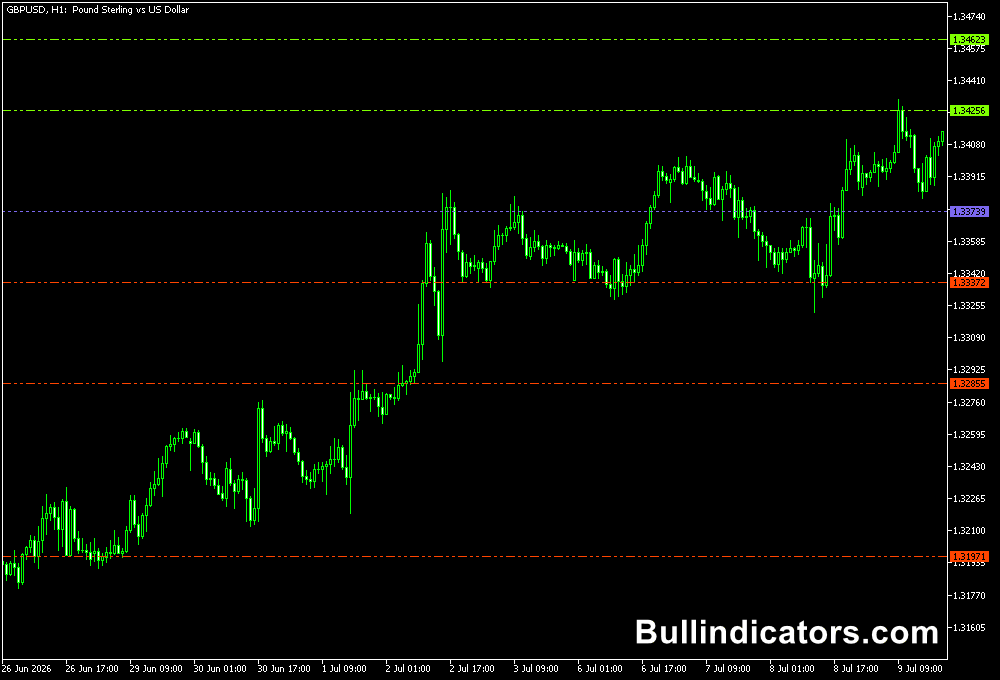
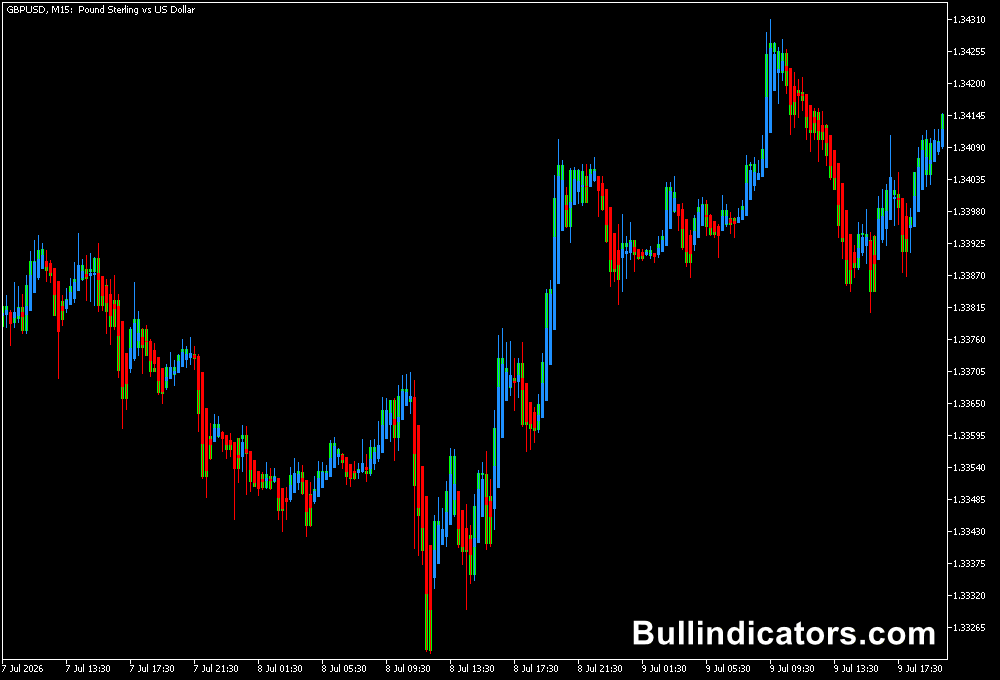
The OGT Trend Dashboard v1.2 Indicator for MT5 provides a multi-market view of bullish and bearish conditions without requiring users to open every currency pair individually.
The dashboard uses three moving averages with different speeds to assess trend direction and displays the resulting conditions through BULL and BEAR signals.
Its main advantage is the ability to monitor several currency pairs and timeframes from one dashboard.
Users can select which symbols and timeframes they want to follow, making it useful for scanning the market for areas where multiple signals point in the same direction.
Why traders use OGT Trend Dashboard
Trend analysis becomes more efficient when several markets can be compared at the same time.
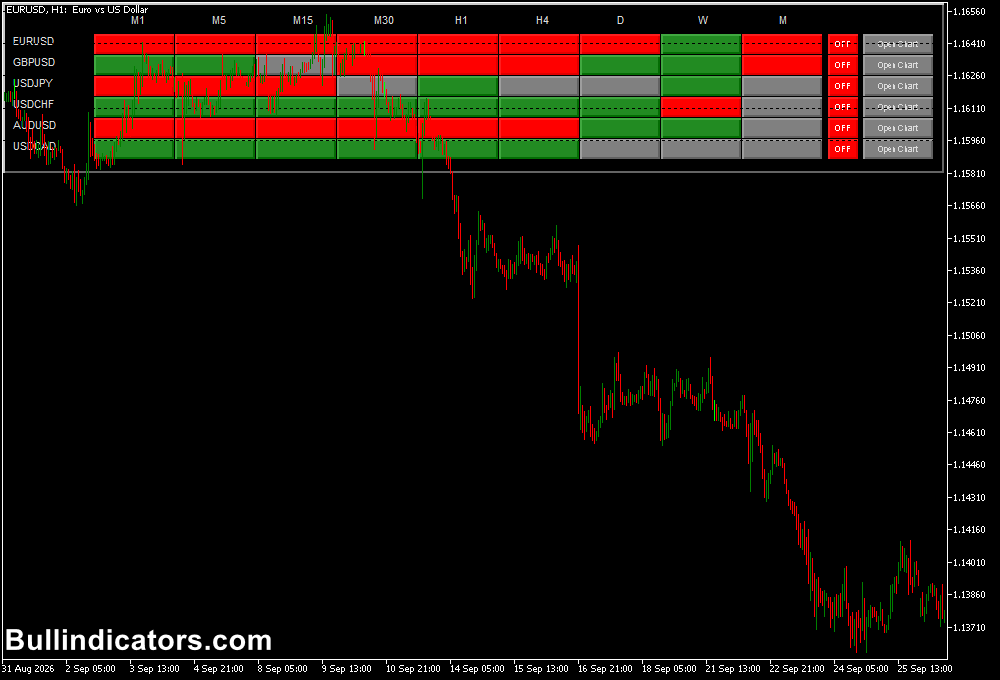
OGT Trend Dashboard presents the selected symbols and timeframes in a single table, with green and red signals making directional differences easy to identify.
The dashboard can also support multi-timeframe analysis.
A higher timeframe can be used to establish the prevailing direction, while a lower timeframe can provide a more suitable entry location.
The chart-opening buttons on the dashboard also make it convenient to move from market scanning to detailed price analysis.
Download This MT5 Indicator for Free
Indicator Chart Setup
OGT Trend Dashboard is displayed as a dashboard containing selected currency pairs and timeframes.
Each combination receives a bullish or bearish indication based on the relationship between the three moving averages.
For example, EURUSD may show BULL on H4 and H1 while M15 remains BEAR.
This difference can indicate that a short-term correction is taking place inside a larger bullish environment.
Conversely, several consecutive bearish readings across H1, H4 and D1 can provide a stronger directional context for looking for short setups.
Core Features
- BULL and BEAR trend information
- Green and red directional signals
- Three moving-average trend analysis
- Multiple currency pairs displayed simultaneously
- Multiple timeframes displayed in one dashboard
- Selectable symbols and timeframes
- Quick chart-opening buttons
- Suitable for multi-timeframe analysis
Best for
- Scanning multiple Forex pairs for directional alignment
- Finding multi-timeframe trend confluence
- Filtering potential entries according to higher-timeframe direction
- Comparing the strength of directional conditions across selected markets
- Building trend-following watchlists
Best Markets
- EURUSD and GBPUSD for monitoring established European and US session trends.
- USDJPY for comparing directional conditions across H1, H4 and D1.
- AUDUSD and NZDUSD when looking for sustained moves across multiple timeframes.
- GBPJPY and EURJPY for larger intraday trends where multi-timeframe alignment can be particularly useful.
- Major currency pairs can be monitored together to identify groups showing similar directional conditions.
Trading Styles
- Intraday trend following with H1 or H4 as the directional timeframe and M15 for entries.
- Short-term trading on M5 and M15 when several dashboard readings align.
- Day trading using H4 direction with M30 or M15 execution.
- Swing trading with D1 trend confirmation and H4 entry analysis.
How traders use it
A useful method is to begin with the higher timeframe rather than immediately reacting to a single green or red reading.
For example, a trader may select H4, H1, M30 and M15 for several major currency pairs.
When the higher timeframes agree, the lower timeframe can then be inspected for an entry following a pullback or consolidation.
The dashboard can also be used to compare currency strength indirectly.
If several pairs containing USD show bearish conditions while the corresponding opposite pairs show bullish conditions, this can provide additional context for a USD-related directional move.
Price structure should still be examined before an order is placed.
Buy Trade EURUSD Example
- Select EURUSD and monitor H4, H1 and M15 on the dashboard.
- Suppose H4 and H1 both display BULL while M15 changes from BEAR to BULL after a short pullback.
- Open the EURUSD M15 chart and check whether price is holding above a recent support area.
- Wait for the M15 bullish signal to appear after the pullback rather than entering during the initial decline.
- Consider a buy entry once price confirms the upward move.
- Place the stop loss below the recent M15 swing low.
- A previous intraday high or a predefined risk/reward target can be used for the profit objective.
- For example, if the entry is 1.1720 and the target is 1.1740, the setup offers a 20-pip upside objective while the stop can be positioned according to the preceding swing structure.
Sell Trade GBPJPY Example
- Monitor GBPJPY across H4, H1 and M15.
- Suppose H4 and H1 show BEAR while M15 temporarily turns bullish during a retracement.
- Wait for M15 to return to a BEAR reading and examine whether price is rejecting a previous resistance area.
- A bearish candle closing below the local support can provide additional confirmation.
- Consider a short entry after the bearish confirmation.
- Place the stop above the recent M15 swing high or resistance area.
- Use the previous low or a predefined risk/reward level as the initial target.
- For example, a short entered after a bearish confirmation at 205.40 could target 204.90, giving the position room to capture a 50-pip move if the broader bearish trend continues.
Get Instant Free Access
Indicator Settings
- Colors: Controls the colors used for the dashboard’s visual signals and display.
- Notifications: Controls the available indicator notifications.
Important Notes
- A BULL or BEAR reading describes the calculated trend condition and should not be treated as a guaranteed entry signal.
- Multi-timeframe agreement can provide useful context, but lower-timeframe corrections can occur inside a larger trend.
- Review the actual price chart before entering a position and consider support, resistance and recent swing points.
- Stop-loss placement should be based on market structure and current volatility.
- Different currency pairs can produce different levels of volatility even when their dashboard signals agree.
- Test the dashboard on your preferred symbols and timeframes before using it with live capital.