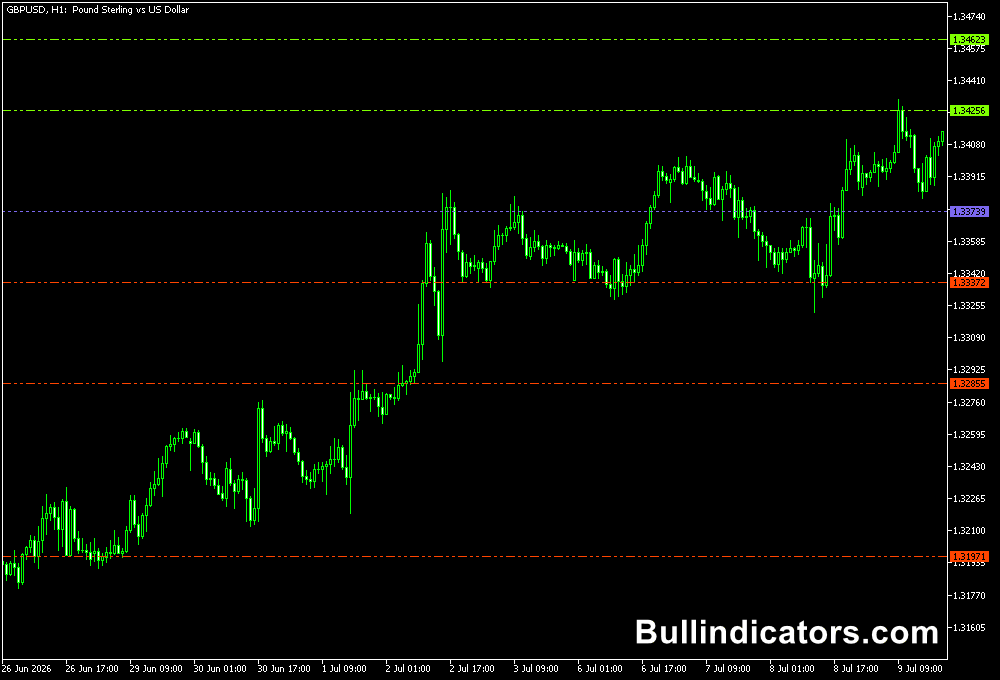
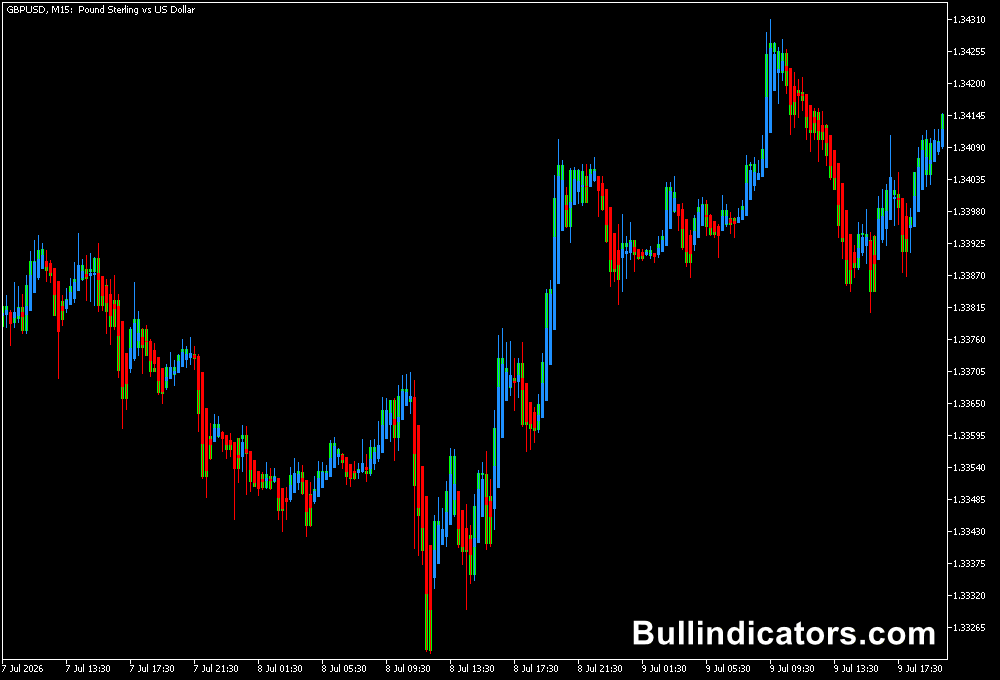
The Multi Time Frame Indicator for MT5 is a powerful market analysis tool that displays three different timeframes of the same currency pair in one indicator window.
By combining higher and lower timeframe information, it helps traders understand the bigger market picture before making trading decisions.
Forex markets are influenced by participants with different trading objectives.
A currency pair can show bullish momentum on a short-term chart while remaining bearish on a higher timeframe.
The Multi Time Frame Indicator helps identify these differences by presenting multiple perspectives at the same time.
Why traders use the Multi Time Frame Indicator for MT5
Professional technical analysis often starts with the higher timeframe and moves down toward the entry chart.
Higher timeframes usually provide a clearer view of the dominant trend, while lower timeframes help locate more precise entry opportunities.
The Multi Time Frame Indicator simplifies this process by showing multiple market views together.
Instead of switching between several charts, traders can quickly compare the long-term trend, intermediate structure, and shorter-term momentum.
This approach helps identify trend alignment, possible reversals, and areas where price may react.
When multiple timeframes point in the same direction, the probability of a stronger setup can increase.
Download This MT5 Indicator for Free
Indicator Chart Setup
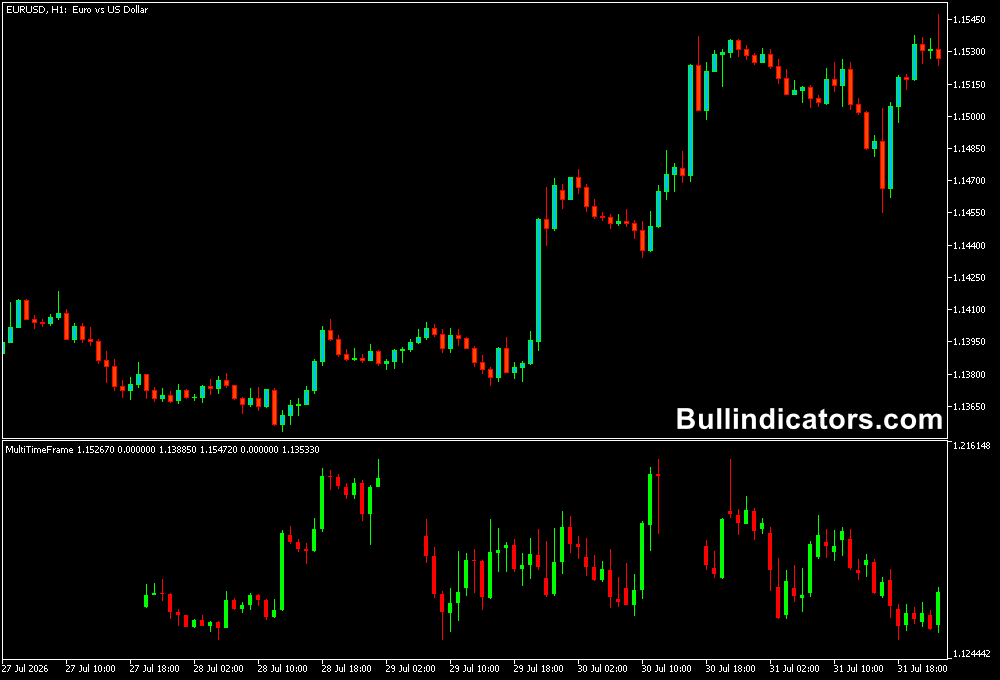
The Multi Time Frame Indicator displays three selected timeframes inside a separate MT5 indicator window.
By default, it can show weekly (W1), daily (D1), and four-hour (H4) market information, providing a complete view from long-term direction to shorter-term confirmation.
For example, the weekly timeframe can reveal the primary trend, the daily timeframe can highlight current market structure, and the H4 timeframe can help identify potential entry timing.
The indicator can also be customized for different trading styles by selecting timeframes that match the strategy, such as M30, M15, and M1 for scalping.
Core Features
- Displays three different timeframes in one MT5 window.
- Helps analyze long-term, medium-term, and short-term trends.
- Supports multi-timeframe trading strategies.
- Reduces the need to switch between multiple charts.
- Suitable for scalping, intraday, swing, and position trading.
- Customizable timeframe selection.
Best for
- Confirming trend direction before entering trades.
- Finding alignment between multiple timeframes.
- Identifying potential support and resistance areas.
- Improving entry and exit timing.
- Building a top-down market analysis approach.
Best Markets
- EURUSD, GBPUSD, USDJPY, and other major Forex pairs with strong liquidity.
- Currency pairs during London and New York sessions when directional moves develop.
- GBPJPY and EURJPY for traders who focus on larger price swings.
- XAUUSD for analyzing gold trends across multiple timeframes.
- Index markets such as NASDAQ and US30 using higher timeframe confirmation.
Trading Styles
- Scalping with M30, M5, and M1 timeframe combinations.
- Intraday trading using H4, H1, and M15 analysis.
- Swing trading with W1, D1, and H4 market structure.
- Position trading using monthly, weekly, and daily charts.
- Trend-following strategies based on timeframe alignment.
How traders use it
The Multi Time Frame Indicator is mainly used for top-down analysis.
A common approach is to start with the highest timeframe to determine the overall market direction, then move toward lower timeframes to search for trade opportunities.
Example BUY setup on GBPUSD:
- The weekly timeframe shows a clear bullish trend with higher highs and higher lows.
- The daily timeframe confirms buying pressure with bullish price movement.
- The H4 timeframe shows renewed momentum after a pullback.
- A BUY trade is considered after confirmation from price action or another entry indicator.
- The stop loss can be placed below a recent support level or swing low.
Scalping Example:
For scalping, the same concept can be applied with lower timeframes.
For example, a trader can use M30 to identify the short-term trend, M5 to confirm momentum, and M1 to execute the entry.
A scalper trading EURUSD during the London session may wait until all three timeframes show bullish conditions before opening a position.
This method helps avoid entering against the dominant market direction and provides a clearer view of how different market participants may be positioning themselves.
Get Instant Free Access
Indicator Settings
- TF1 – Selects the first timeframe displayed in the indicator window.
- TF2 – Selects the second timeframe displayed in the indicator window.
- TF3 – Selects the third timeframe displayed in the indicator window.
- Colors – Adjusts the visual appearance of the timeframe display.
Important Notes
- Higher timeframes generally carry more importance when determining the main trend.
- The indicator provides market context but does not generate automatic buy or sell signals.
- Use additional confirmation tools for entry timing.
- Timeframe combinations should match the trading strategy being used.
- Always consider support, resistance, and overall market conditions.