The Ichimoku indicator for MT5 is a comprehensive trend and market-structure tool that combines trend direction, dynamic support and resistance, momentum, and price positioning on a single chart.
Its five components work together to show whether the market is bullish, bearish, or moving sideways.
The indicator can be used on multiple timeframes, but its combination of the Ichimoku Cloud, Tenkan-sen, Kijun-sen, Senkou Span A, Senkou Span B, and Chikou Span makes it particularly useful for evaluating both the broader trend and potential entry areas.
With the right confirmation, it can also be incorporated into a short-term scalping strategy.
Why traders use the Ichimoku Indicator
Ichimoku provides several pieces of market information without requiring separate indicators for trend, support, and resistance.
The cloud helps identify the broader market direction, while the Tenkan-sen and Kijun-sen provide shorter-term and medium-term reference levels.
The cloud can also act as dynamic support or resistance.
When price is above the cloud, bullish conditions are generally favored, while price below the cloud indicates bearish conditions.
Crosses between the Tenkan-sen and Kijun-sen can provide additional information about momentum and possible trend continuation.
For scalpers, the indicator becomes more useful when its broader trend information is combined with a dedicated short-term signal.
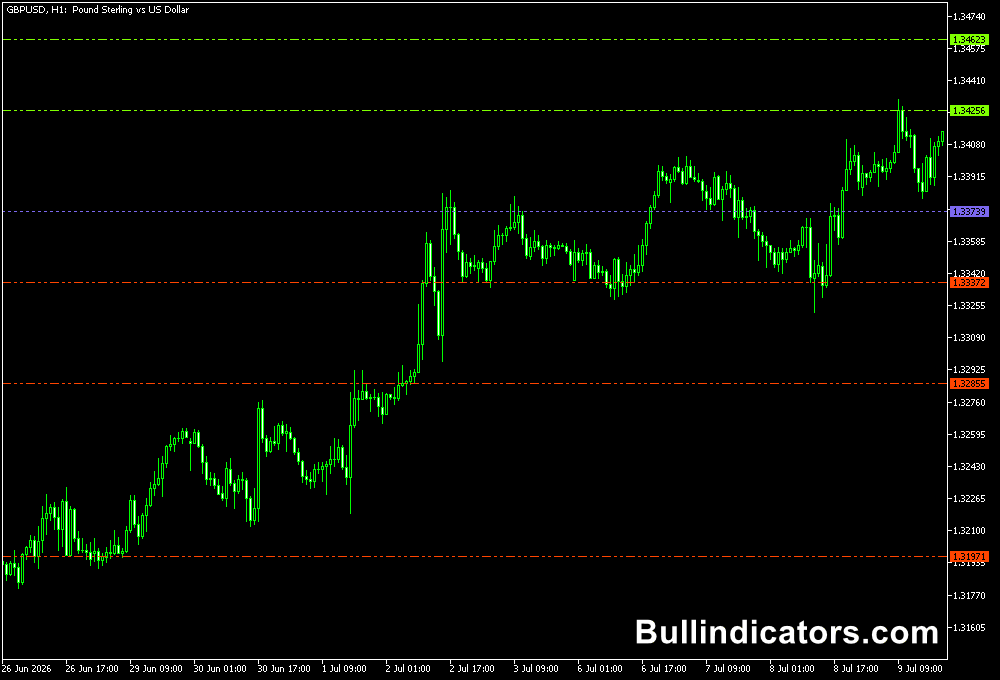
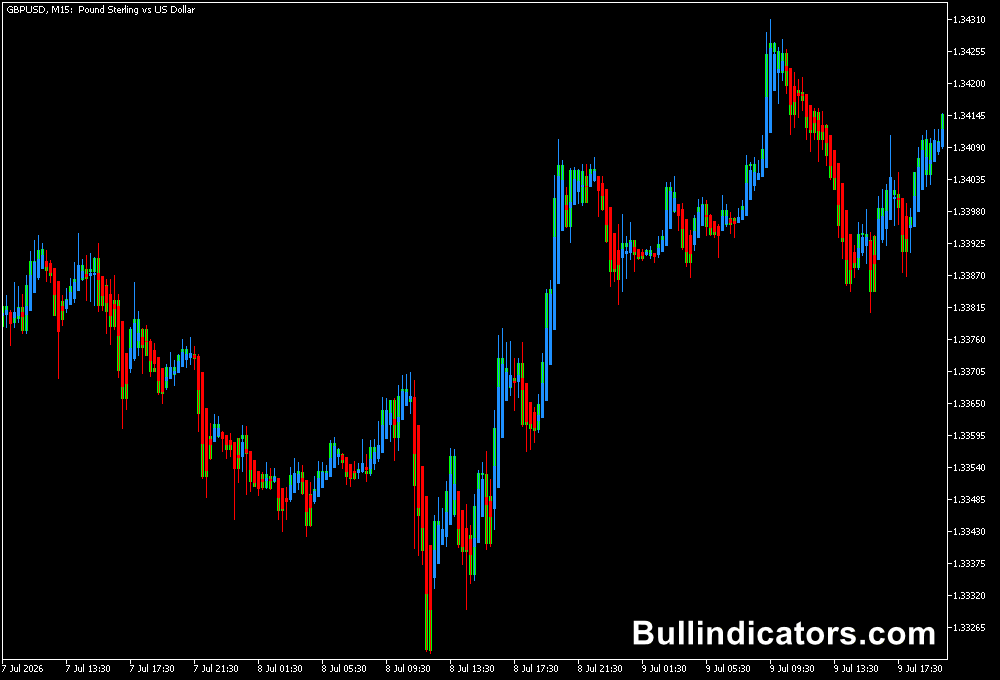
This allows the Ichimoku structure to provide the market context while the Trend Scalp Indicator for MT5 is used to identify the actual scalp direction.
Download This MT5 Indicator for Free
Indicator Chart Setup
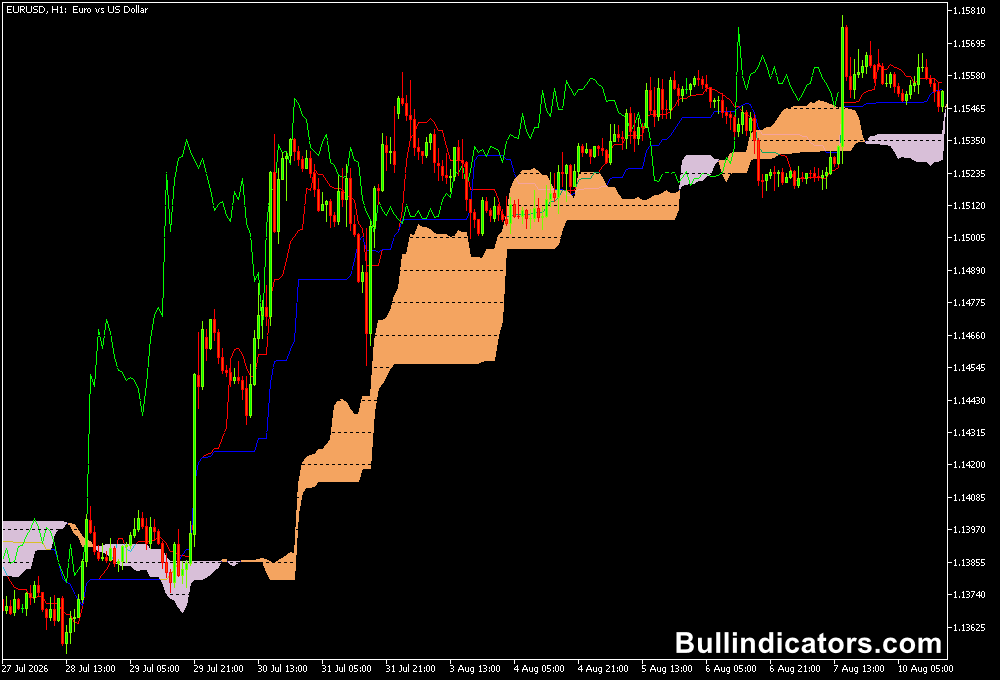
The Ichimoku Indicator displays five components on the MT5 chart.
The Tenkan-sen and Kijun-sen show shorter and medium-term price structure, while Senkou Span A and Senkou Span B form the cloud.
The Chikou Span is plotted behind current price and provides additional trend context.
The cloud changes the visual structure of the chart by highlighting areas where price may encounter dynamic support or resistance.
The relationship between price, the cloud, and the Tenkan and Kijun lines can be used to assess the quality and direction of a setup.
Core Features
- Displays the complete Ichimoku Cloud system.
- Includes Tenkan-sen and Kijun-sen trend lines.
- Plots Senkou Span A and Senkou Span B to form the cloud.
- Displays the Chikou Span as a lagging reference.
- Helps identify trends, momentum, support, and resistance.
- Can be adapted to both trend-following and short-term trading strategies.
Best for
- Identifying bullish and bearish market conditions.
- Finding dynamic support and resistance.
- Monitoring Tenkan/Kijun crosses for trend continuation.
- Confirming the direction of shorter-term trading setups.
- Building trend-following and scalping strategies with additional confirmation.
Best Markets
- EURUSD and GBPUSD for liquid intraday trend analysis.
- GBPJPY and EURJPY when stronger directional movement creates clear Ichimoku structures.
- USDJPY for monitoring trend continuation around the cloud.
- XAUUSD when larger directional moves create clear separation between price and the cloud.
Trading Styles
- Trend trading on H1 and H4 using the cloud as the primary directional filter.
- Intraday trading on M15 and H1 with Tenkan and Kijun confirmation.
- Scalping on M1 and M5 when combined with a dedicated scalp signal.
- Swing trading on H4 and D1 where the cloud can provide broader market structure.
How traders use it
A straightforward trend approach is to monitor the position of price relative to the cloud.
Price above the cloud indicates a bullish environment, while price below the cloud indicates a bearish environment.
The Tenkan-sen and Kijun-sen can then be used to evaluate momentum and potential continuation.
For example, a bullish Tenkan-sen cross above the Kijun-sen carries more significance when price is also above a bullish cloud.
A bearish cross below the Kijun-sen can receive greater attention when price is trading below the cloud.
Scalping and day trading with the Trend Scalp indicator
For short-term trading, the Ichimoku Indicator can be combined with the Trend Scalp Indicator for MT5.
In this setup, Ichimoku determines the broader directional environment while the Trend Scalp signal provides the scalp entry direction.
Ichimoku + Trend Scalp Scalping Strategy
This approach is designed for M1 and M5 charts.
The Ichimoku structure is used as a directional filter, while the Trend Scalp Indicator provides the entry signal.
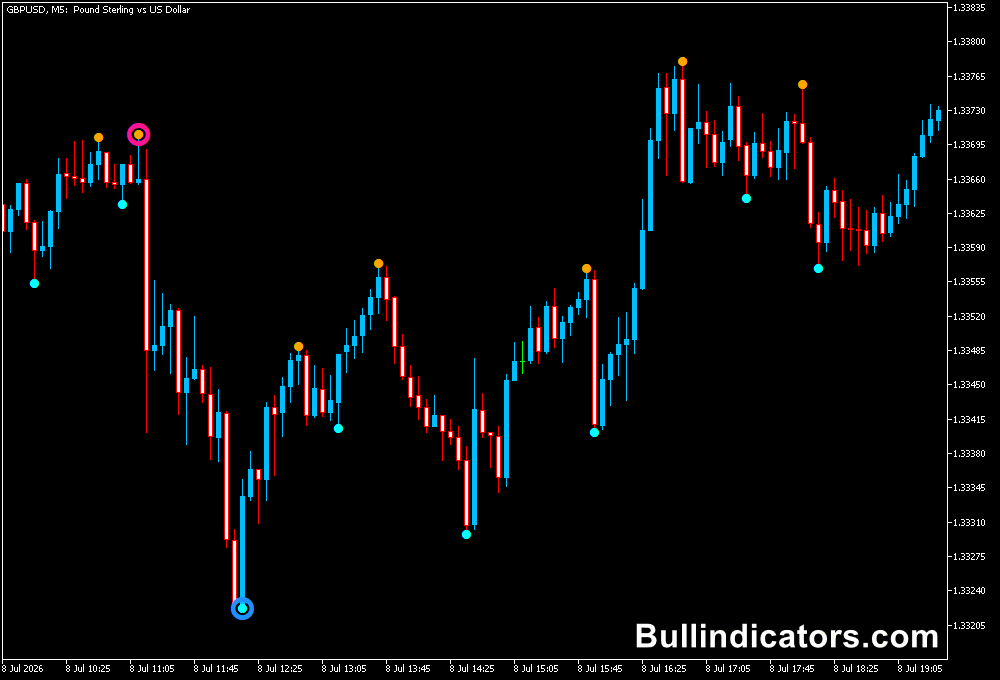
The key scalp signals are a blue line for a potential buy and an orange line for a potential sell.
Buy Scalp Setup
- Use an M1 or M5 chart on a liquid pair such as EURUSD, GBPUSD, USDJPY, or GBPJPY.
- Check that price is above the Ichimoku Cloud, establishing a bullish market environment.
- Prefer a bullish cloud structure rather than taking a buy when price is trapped inside the cloud.
- Monitor the Tenkan-sen and Kijun-sen. A Tenkan-sen above the Kijun-sen provides additional bullish confirmation.
- Wait for the Trend Scalp Indicator to produce its blue buy line.
- Do not enter simply because the blue line appears. Check that the Ichimoku trend filter still supports the long direction.
- Enter after the blue signal is confirmed on the completed candle.
- Place the stop loss below a recent M1/M5 swing low or another logical support area.
- Take profit can be placed at the next nearby resistance area, a previous intraday high, or managed using a predefined risk-to-reward ratio.
Sell Scalp Setup
- Use the M1 or M5 chart and select a liquid currency pair with active price movement.
- Check that price is below the Ichimoku Cloud, indicating a bearish market environment.
- A bearish cloud structure provides stronger alignment than a setup where price is moving inside the cloud.
- Look for the Tenkan-sen to remain below the Kijun-sen as additional bearish confirmation.
- Wait for the Trend Scalp Indicator to produce its orange sell line.
- Confirm that the Ichimoku trend remains bearish when the orange signal appears.
- Enter the short trade after the signal is confirmed on the completed candle.
- Place the stop loss above a recent M1/M5 swing high or another relevant resistance area.
- Use the next support level, previous intraday low, or a predefined risk-to-reward target for the exit.
Get Instant Free Access
Indicator Settings
- Tenkan: Default value 9. Determines the number of periods used to calculate the Tenkan-sen.
- Kijun: Default value 26. Determines the number of periods used for the Kijun-sen calculation.
- Senkou: Default value 52. Determines the calculation period used for Senkou Span B and the cloud structure.
Important Notes
- The Ichimoku Indicator provides market context but should not be treated as a guaranteed signal generator.
- For scalping, avoid taking signals that conflict with the broader Ichimoku direction.
- Blue Trend Scalp signals are used for potential buys, while orange signals are used for potential sells in the strategy described above.
- Signals occurring while price is inside the Ichimoku Cloud can be less clear because the market may be consolidating.
- Use completed candles when confirming the scalp signal and apply appropriate risk management to every trade.