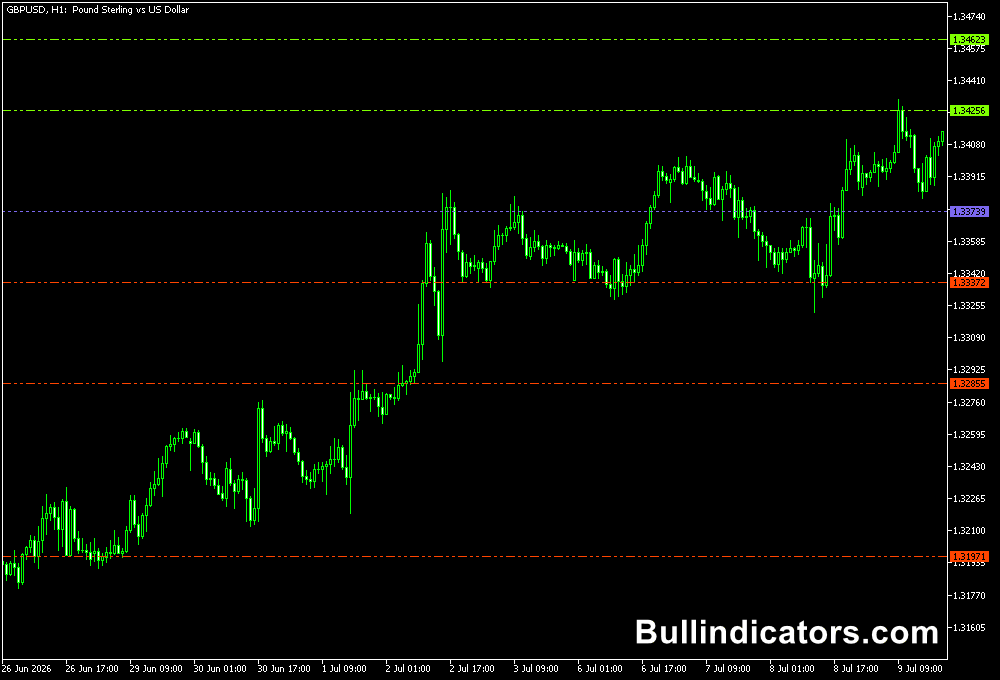
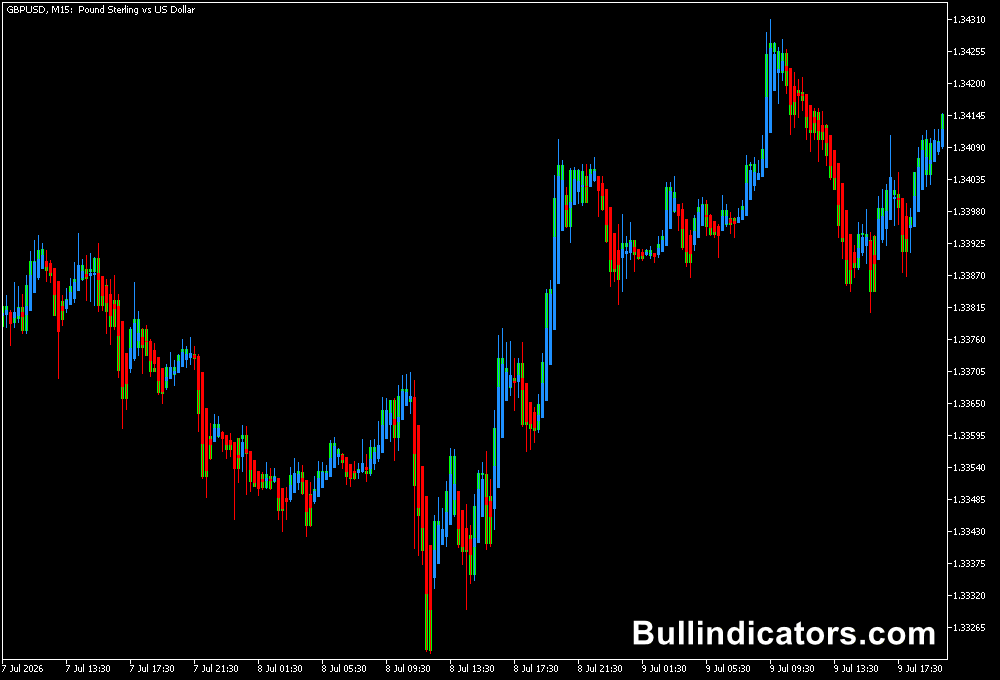
The VWAP indicator for MT5 calculates the Volume Weighted Average Price to show the average price level where trading activity has taken place with volume taken into consideration.
Unlike traditional moving averages that only follow price, VWAP combines price and volume information to create a more market-focused reference point.
Traders use these levels to identify areas where price may find support, resistance, or continue its current direction.
Why traders use the VWAP Indicator
VWAP is widely followed by professional traders because it provides insight into the average traded price of an instrument over a specific period.
It helps market participants understand whether the current market price is trading above or below the level where most activity has occurred.
The indicator displays multiple VWAP calculations, allowing traders to compare short-term and longer-term market conditions.
When price moves away from VWAP levels, traders often watch for possible pullbacks, while crossovers between different VWAP periods can highlight shifts in market momentum.
This makes the indicator useful for both trend-following and mean-reversion strategies.
Download This MT5 Indicator for Free
Indicator Chart Setup
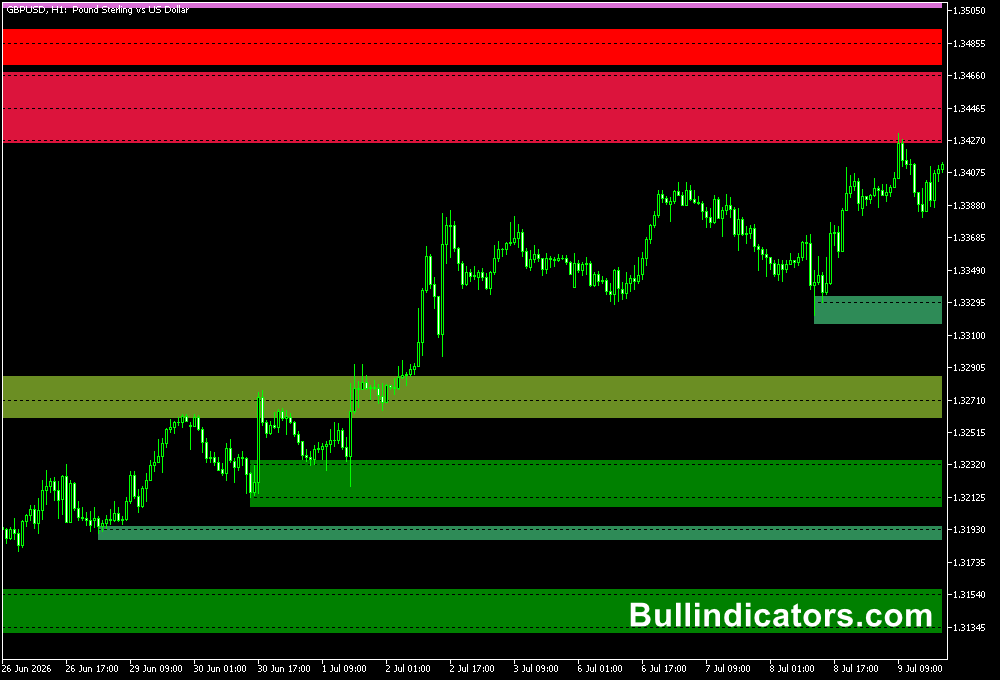
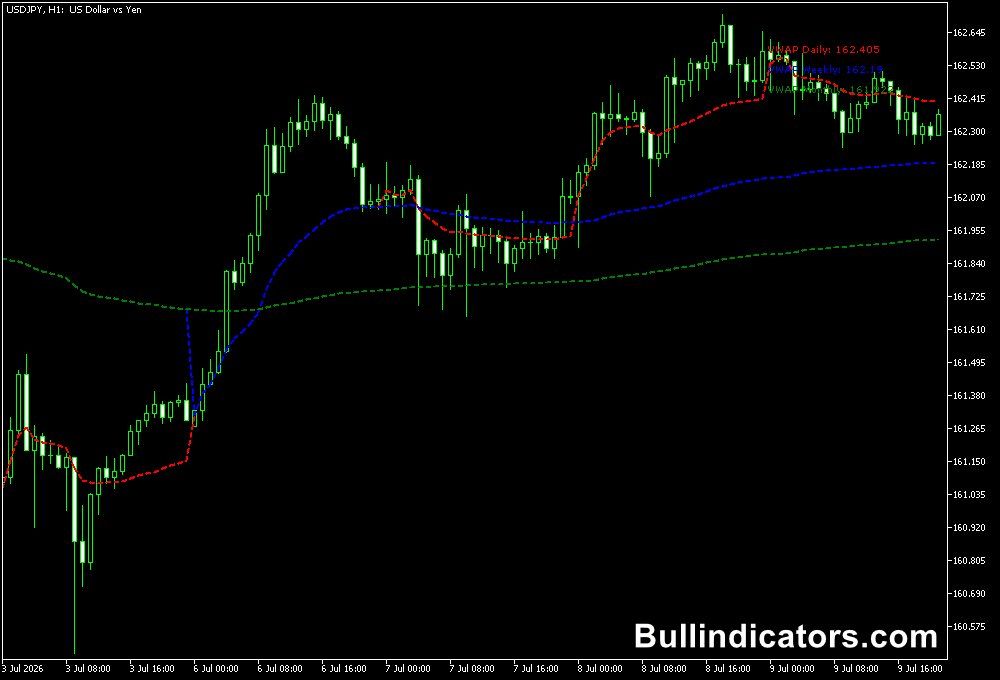
After applying the indicator, several VWAP lines appear directly on the chart.
Each line represents a different calculation period, such as daily, weekly, or monthly VWAP values.
Traders can compare these levels to the current price to determine market positioning.
When price remains above VWAP, buyers may have control, while trading below VWAP can indicate stronger selling pressure.
The indicator works on all timeframes but is especially useful on H1 charts, where the VWAP levels provide a balanced view between intraday movement and broader market direction.
Core Features
- Calculates price averages using weighted volume.
- Displays multiple VWAP levels for different periods.
- Helps identify dynamic support and resistance areas.
- Highlights potential momentum shifts through VWAP crossovers.
- Can be customized with multiple calculation levels.
- Works with various trading strategies and markets.
Best for
- Finding institutional-style reference levels.
- Intraday trend analysis.
- Identifying pullback opportunities.
- Monitoring market balance areas.
- Confirming trade direction.
Best Markets
- Liquid Forex pairs where volume-based price levels remain meaningful throughout the trading session.
- Gold and other precious metals that often react strongly around important average price zones.
- Major stock indices where professional traders frequently monitor VWAP levels.
- Futures and CFD markets with reliable volume information.
- Cryptocurrency markets with strong participation and active trading periods.
Trading Styles
- Scalping.
- Day trading.
- Intraday trading.
- Swing trading.
- Mean-reversion trading.
How traders use it
One popular approach is monitoring the relationship between shorter and longer VWAP lines.
When a faster VWAP moves above a slower VWAP, traders may interpret this as increasing buying pressure.
A move below a longer VWAP can indicate that sellers are becoming more dominant.
Traders also use VWAP as a dynamic support and resistance tool.
For example, during an uptrend, price returning toward a VWAP level may provide a potential pullback entry area.
During a downtrend, the same level can act as resistance.
Many users combine VWAP signals with RSI, Stochastic, price action, or trend analysis for additional confirmation.
Get Instant Free Access
Indicator Settings
- VWAP_Level_01_Period – Sets the calculation period for the first VWAP level.
- Enable_Level_02 – Enables or disables the second VWAP calculation line.
- VWAP_Level_02_Period – Defines the calculation period for the second VWAP level.
- Enable_Level_03 – Activates or hides the third VWAP display.
- VWAP_Level_03_Period – Selects the calculation period for the third VWAP level.
- Enable_Level_04 – Enables or disables the fourth VWAP line.
- VWAP_Level_04_Period – Controls the calculation period for the fourth VWAP level.
- Enable_Level_05 – Activates or disables the fifth VWAP calculation.
- VWAP_Level_05_Period – Sets the calculation period for the fifth VWAP level.
Important Notes
- VWAP is most effective when combined with price action and market context.
- H1 and higher intraday timeframes often provide more reliable VWAP signals.
- Different VWAP periods can reveal short-term and long-term market positioning.
- Crossovers between VWAP levels should be confirmed with additional analysis before entering trades.
- Volume-based indicators may behave differently depending on the available broker data.